
Microsoft Word
Microsoft Word is Microsoft's word processor and part of Microsoft 365. This page explains who it suits and how to get it on Windows.
289.2 MB

· Microsoft Corporation · Page updated
Microsoft Office 2007 is a Windows office suite released in 2007; its support ended on 10 October 2017, and Microsoft recommends Microsoft 365.
Average 0.0 · ratings: 0
Thank you! Your rating is saved; you can change it. Could not save the rating. Please try again later. Too many ratings from your network today. Please try again tomorrow. The average appears after 5 ratings.
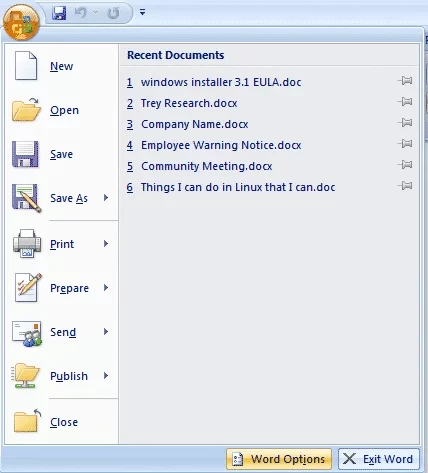
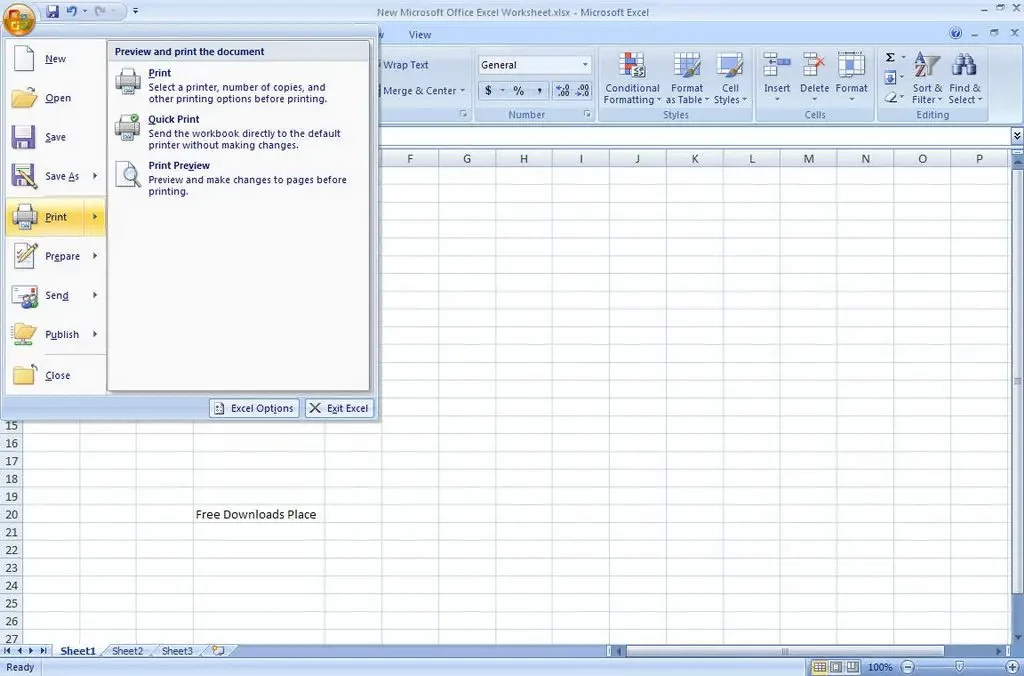
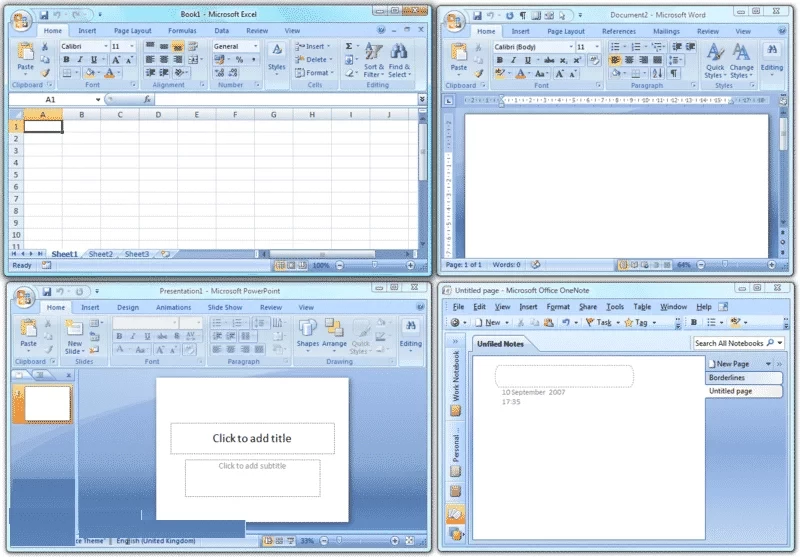
Microsoft Office 2007 is a version of the Microsoft Office suite for Windows, released on 30 January 2007 and supported until 10 October 2017. If you are looking for an Office 2007 download for Windows, know that the suite has had no security updates for years and Microsoft now points users to Microsoft 365.
Office 2007 changed the way people worked with Word, Excel and PowerPoint more than almost any release before it. It replaced classic menus and toolbars with the ribbon, a band of tabs that groups commands by task, and introduced the Office Open XML formats: docx, xlsx and pptx instead of doc, xls and ppt. Both decisions shaped every later version, and the file formats are still the standard in offices today. At the time, many users disliked the ribbon, and people who received docx files in older versions needed a compatibility pack to open them. Looking back, Office 2007 is the point where the modern Office began. Its age is now the problem: it was built for Windows XP, Vista and 7, and after support ended, vulnerabilities in Word, Excel and Outlook stopped being fixed. Attackers still send documents crafted for such old versions, because unpatched copies are an easy target.
Microsoft no longer sells or distributes Office 2007. The official Office 2007 page now leads to upgrade options rather than an installer, and Microsoft's own Word 2007 page recommends moving to Microsoft 365. Installers offered on unofficial sites are often cracked and bundled with malware; do not use them.
Office 2007 targets Windows XP, Vista and 7. It may start on newer Windows versions, but it was never designed or tested for them, and Microsoft does not help if something breaks.
An unsupported office suite that opens files from mail and the web is a real security risk. If you must keep it on an old machine, keep that machine offline. Office 2007 was a paid product; the successor Microsoft 365 is a subscription, while LibreOffice and WPS Office have free editions.
Microsoft 365 Office is the official successor. Free desktop suites on our site include LibreOffice and WPS Office, and Google Sheets works in any browser. Standalone Microsoft Word, Microsoft Excel and Microsoft PowerPoint are also available.
Microsoft Word is Microsoft's word processor and part of Microsoft 365. This page explains who it suits and how to get it on Windows.

Microsoft Office 2010 is an office suite for Windows released in 2010; Microsoft ended its support on 13 October 2020 and recommends Microsoft 365.
Microsoft Office 2019 is a one-time purchase edition of Microsoft's office suite for Windows 10 and macOS, released in September 2018.

Adobe Reader XI (11) is an older version of Adobe's free PDF viewer for Windows; its support ended in October 2017 and Adobe Acrobat Reader is the successor.

Adobe Acrobat Reader is Adobe's free Windows application for opening, reading, printing and commenting on PDF documents.

iLovePDF Desktop is the Windows app of the iLovePDF service: merge, split, compress, convert and edit PDF files on your PC without uploading them.

Microsoft Office 2013 is an office suite for Windows released in 2013; support ended on 11 April 2023 and Microsoft recommends Microsoft 365.

Microsoft Excel is Microsoft's spreadsheet program for calculations, tables and data analysis. Build 16.0.19725.20152 is a current Windows release.